Short answer
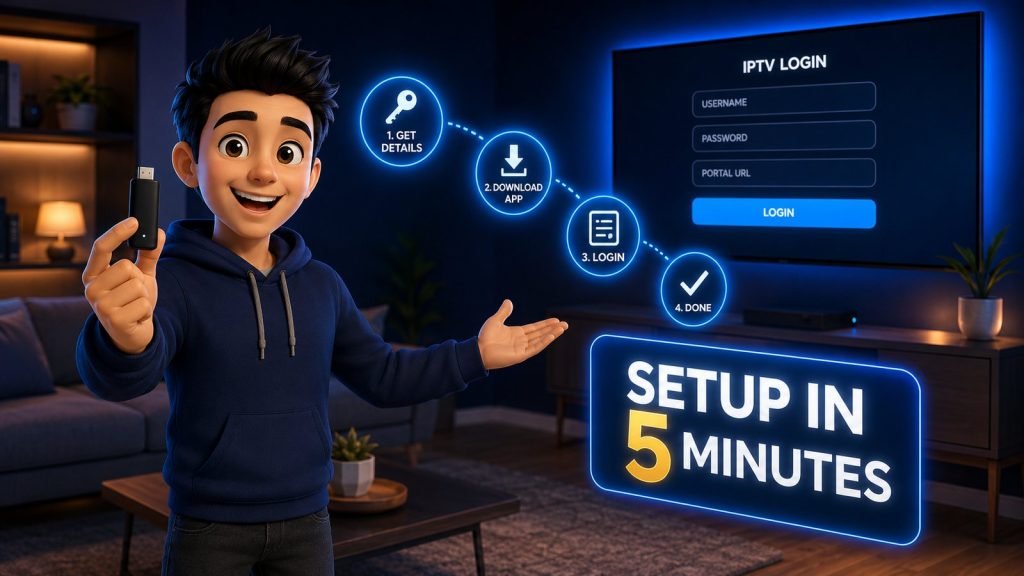
Setting up IPTV takes four steps and about five minutes. Get your username, password and server URL from your provider, install a player app such as IPTV Smarters Pro or TiviMate on a device you already own, log in using Xtream Codes API, and wait for the channel list to load. No cables, no technician, no computer needed.
This guide covers every device we get asked about — Firestick, Android TV box, Samsung and LG Smart TVs, iPhone and iPad, Windows and Mac, and MAG or Formuler boxes — plus exactly what to do when a step does not go to plan. Find your device, follow that section, skip the rest.
Before You Start: The Three Things You Need
Every IPTV setup on every device needs the same three ingredients. Have them ready and the rest is typing.
- A working internet connection. 15 Mbps or better for HD, 25 Mbps for 4K. Wi-Fi is fine; Ethernet is better for the main TV.
- Your StrimoIPTV login details. A username, a password and a server URL — sometimes called the portal or host. They arrive by WhatsApp or email right after you order on the pricing page.
- A device with an app store. Firestick, Android TV, Smart TV, phone, tablet, laptop or set-top box. If it streams anything today, it will run IPTV.
How to Get Your IPTV Username and Password
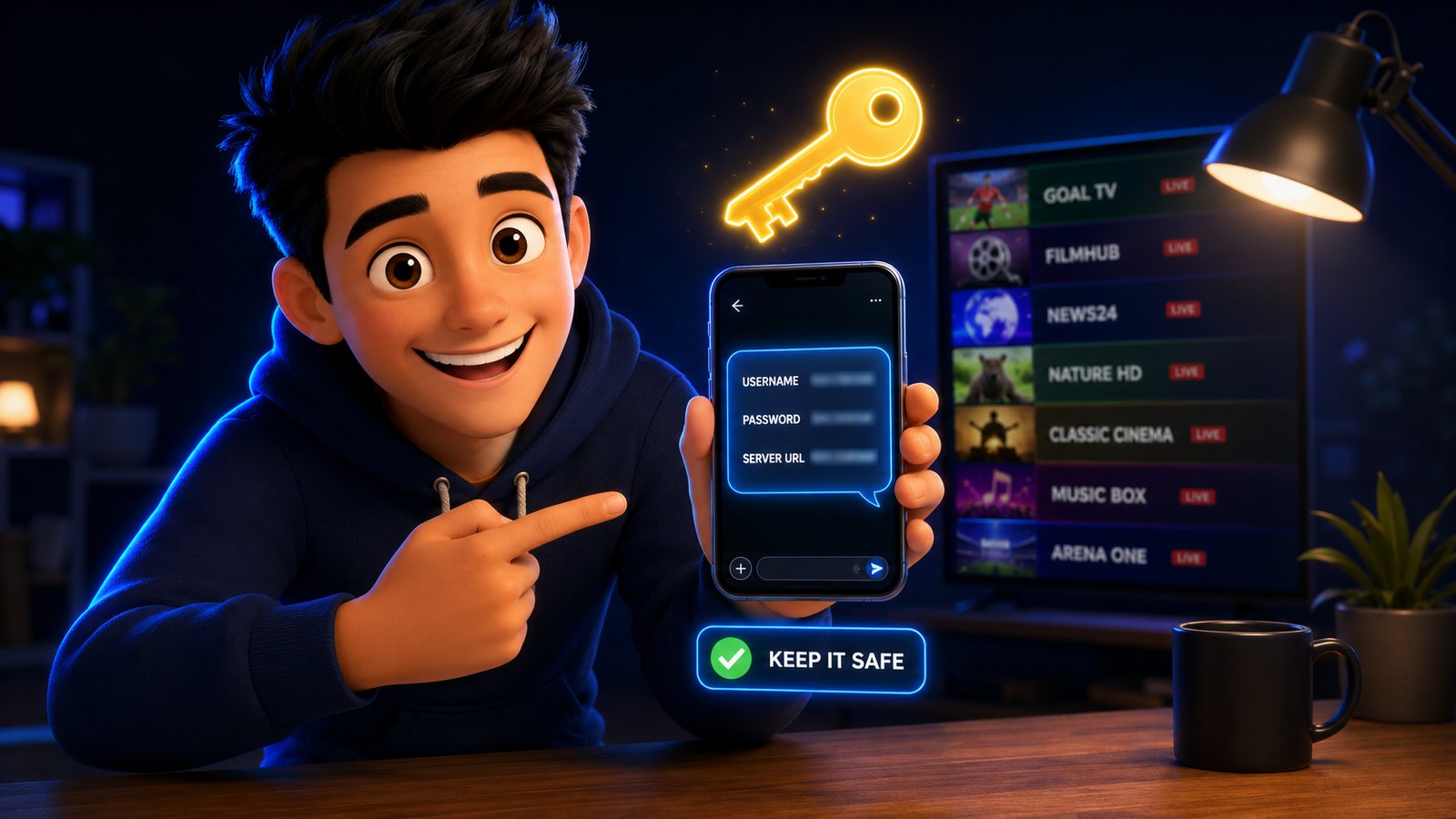
This is the step that confuses newcomers most, so here it is plainly: your provider issues the credentials, the app never generates them. When you subscribe to StrimoIPTV you receive a short message containing three lines:
- Username — a string of letters and numbers, unique to your line
- Password — likewise, and case-sensitive
- Server URL / portal — the address your player connects to, usually beginning with
http://
Save that message somewhere you can find it again. If it goes missing, message support on WhatsApp and it is resent in a minute. Anyone offering you free working credentials found on a forum is offering you a line that will be dead by the weekend — which is why getting IPTV and keeping IPTV working are two different problems.
Which Device Is Best for IPTV?
You do not need to buy anything. But if you are choosing, here is the honest ranking based on what our support team sees working day after day:
| Device | Best for | Ease | Notes |
|---|---|---|---|
| Fire TV Stick 4K | Most households | Very easy | Cheap, fast, every player app runs on it |
| Android TV box | Power users | Easy | Runs TiviMate best; more storage, more control |
| Samsung / LG Smart TV | No extra hardware | Medium | Uses IBO Player or Smart IPTV; small one-off app fee |
| iPhone / iPad | Bed, kitchen, travelling | Very easy | Smarters Player Lite from the App Store |
| Windows / Mac | Second screen, testing | Easy | VLC or the desktop Smarters app |
| MAG / Formuler | A plain TV feel | Medium | Portal-based; the box itself is the account |
If you already own a Firestick, stop reading the table and use it. It is the path of least resistance for about eight out of ten customers.
How to Set Up StrimoIPTV on a Firestick
Step 1 — Allow installs from unknown sources
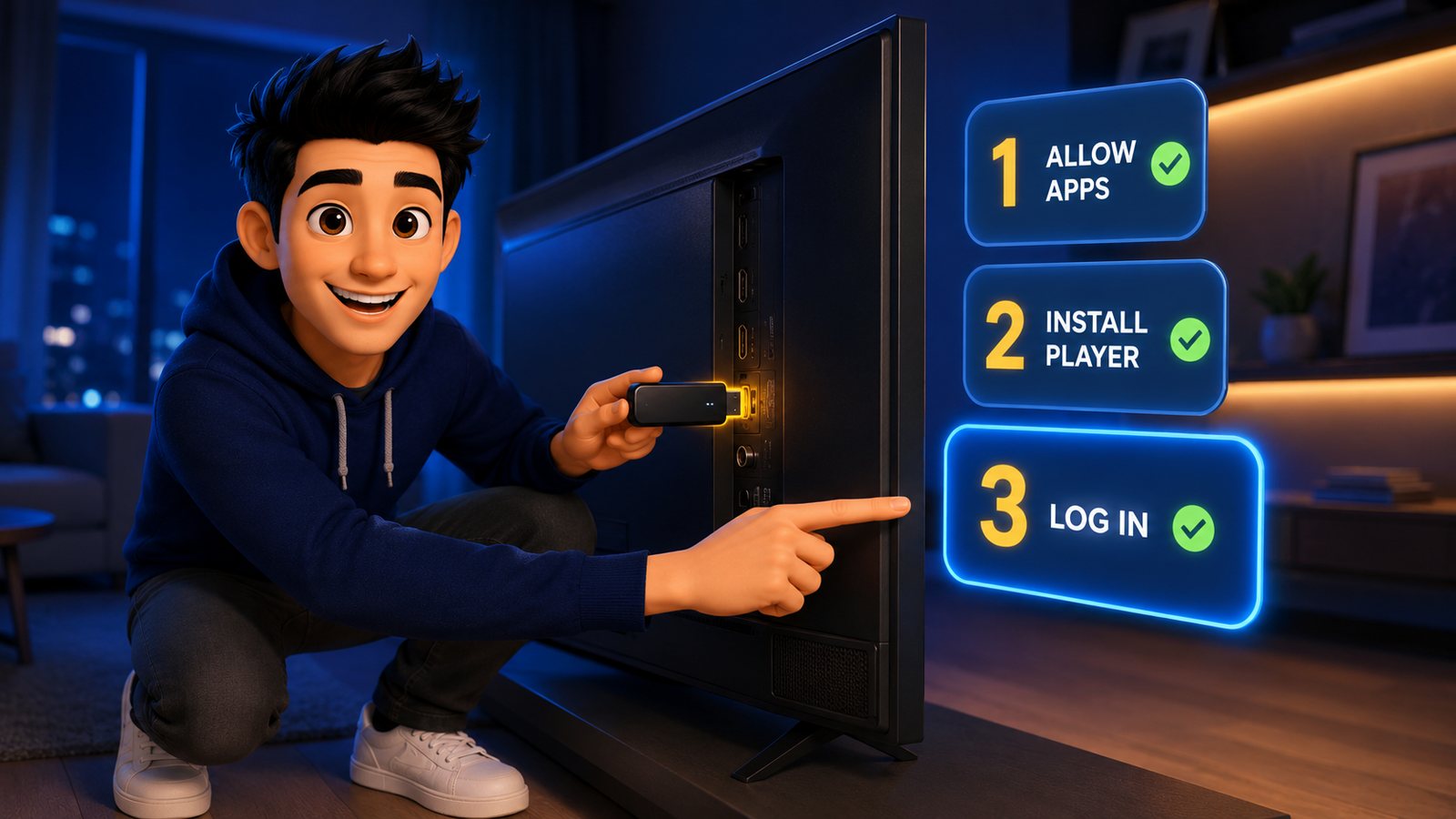
From the Fire TV home screen, go to Settings → My Fire TV → Developer Options and switch on Apps from Unknown Sources. On newer sticks the toggle sits under Install unknown apps. This only permits installing a player that is not in Amazon’s default list; nothing else about the device changes.
Step 2 — Install the player app
Search the Amazon App Store for IPTV Smarters Pro. If it appears, install it directly — it is free and it is the quickest path. If it is missing from your region’s store, install Downloader from the App Store instead and use it to fetch the player. Either route ends in the same place.
New to IPTV? Start with IPTV Smarters Pro; it is the friendlier app. Move to TiviMate later if you want a slicker guide and recording.
Step 3 — Log in with Xtream Codes
Open the app and choose Login with Xtream Codes API, then fill in:
- Any name — a label for the playlist, for example “StrimoIPTV”. This one is yours to choose.
- Username — exactly as sent, no spaces
- Password — exactly as sent, case-sensitive
- Server URL — the portal address from your welcome message, including
http://and the port number
Press Add User. The app spends ten to thirty seconds pulling in the channel list, the film library and the TV guide. That pause is normal and it happens only once.
Step 4 — Make it yours
Open Live TV, find the channels you actually watch and favourite them so they sit at the top. Turn on the EPG so the guide shows what is on next. If you have an Ethernet adapter, plug it in now — it is the single biggest stability upgrade a Firestick can get.
Android TV Box or Google TV
The steps mirror the Firestick with one difference: you have the full Play Store, so nothing needs sideloading.
- Open the Play Store and install TiviMate (or IPTV Smarters Pro).
- Open TiviMate and choose Add playlist → Xtream Codes.
- Enter the server URL, username and password from your welcome message.
- Let it process the list, then run the setup wizard to choose which channel groups stay visible.
TiviMate’s free tier covers live TV perfectly well. The paid Premium unlock adds multiple playlists, recording and a nicer guide — worth it if you watch a lot, unnecessary on day one.
Samsung and LG Smart TVs (No Extra Box)
Smart TVs handle IPTV slightly differently: the playlist is tied to the television rather than to a login.
- Open your TV’s app store and install IBO Player, Smart IPTV or Set IPTV — whichever your model offers.
- Open the app. It displays a MAC address and a device key on screen. Photograph that screen.
- Send the MAC address and device key to StrimoIPTV support on WhatsApp and we load your playlist onto that device.
- Restart the app. Your channels are there.
Two things to know in advance: these TV apps usually charge a small one-off activation fee of a few dollars, paid to the app developer and not to us; and because the playlist is bound to the TV’s MAC address, moving to a different television means repeating the process on the new set.
iPhone, iPad and Android Phones
- Install Smarters Player Lite from the App Store, or IPTV Smarters Pro from the Play Store.
- Choose Login with Xtream Codes API.
- Enter your username, password and server URL.
- Done — and it will cast to a TV over AirPlay or Chromecast when you want the big screen.
Phone setup is the fastest of the lot, which makes it the best way to test a service before you touch the living-room TV. If it plays cleanly on your phone over home Wi-Fi, the line itself is healthy.
Windows and Mac
For a proper TV interface: install the desktop version of IPTV Smarters and log in with Xtream Codes exactly as above.
For a quick check: open VLC, choose Media → Open Network Stream and paste your M3U playlist link. VLC gives you no guide and no favourites, but it plays the stream — which makes it the fastest way to prove a line is working when something else is misbehaving.
MAG and Formuler Boxes
These are portal-based, and the logic differs from every other device on this page: the box is the account.
- Find the MAC address on the sticker underneath the box — twelve characters, in pairs.
- Send that MAC address to StrimoIPTV support.
- On the box, go to Settings → System Settings → Servers → Portals.
- Enter a portal name and the portal URL we send back.
- Save, then reboot. The box loads your channel list on startup.
Because the subscription is tied to that MAC address, buying a second-hand MAG is riskier than it looks — a cloned or previously blocked MAC will not activate. Buy new, or buy from someone you trust.
Xtream Codes vs M3U: How to Add a Playlist on IPTV
Every player offers both login methods and people often pick the wrong one. The difference in one table:
| Xtream Codes API | M3U playlist URL | |
|---|---|---|
| What you enter | Username, password, server URL | One long link |
| TV guide (EPG) | Loads automatically | Often needs a separate EPG link |
| Movies and series | Organised in their own sections | Mixed into the channel list |
| Best for | Smarters, TiviMate, most apps | VLC, older or basic players |
Use Xtream Codes whenever the app offers it. Fall back to M3U only for players that cannot do anything else. To add an M3U playlist, choose Add playlist → M3U URL in your app and paste the link exactly as sent — no trailing spaces, no line breaks.
First-Night Setup: Five Minutes That Save You Months
Your channels are in. These five adjustments separate a setup that feels like a TV from one that feels like a spreadsheet:
- Hide the groups you will never watch. Nineteen thousand channels is wonderful in a feature list and unusable as a home screen. Keep four or five country groups visible and hide the rest.
- Favourite twenty channels. Real viewing habits are narrow. Build the list you actually use and everything gets faster.
- Turn on the EPG. The guide is what makes IPTV feel like ordinary television rather than a list of links.
- Raise the buffer slightly. In player settings, 2–3 seconds smooths out small Wi-Fi hiccups at no real cost.
- Know where the decoder setting is. If one channel stutters, switching between hardware and software decoding usually fixes it instantly.
When Setup Does Not Work: Six Common Fixes
| What you see | What it usually means | Fix |
|---|---|---|
| “Invalid credentials” | A typo, or a trailing space | Retype username and password by hand; watch capital letters |
| “Unable to connect” | Wrong server URL or missing port | Copy the portal exactly, including http:// and the port |
| Channels load, none play | ISP or network blocking | Try a mobile hotspot for one minute; if it plays, the ISP is the culprit |
| Everything buffers | Wi-Fi, not the service | Switch to Ethernet or move the router closer; run a speed test first |
| No TV guide | EPG off, or M3U used instead of Xtream | Re-add the line using Xtream Codes API |
| Worked yesterday, not today | Plan expired or a server rotation | Message support on WhatsApp — a sixty-second fix on our side |
One rule that saves everyone time: before assuming the service is broken, test the same line on your phone over mobile data. If it plays there, the problem is your home network, not your subscription. That single test resolves most of the tickets we receive.
Frequently Asked Questions
How do I set up IPTV for the first time?
Order a plan to get your username, password and server URL, install a player such as IPTV Smarters Pro or TiviMate on your device, choose “Login with Xtream Codes API”, enter the three details and wait for the channel list to load. The whole process takes about five minutes.
How do I get an IPTV username and password?
Your provider issues them. With StrimoIPTV they arrive by WhatsApp or email immediately after you order. No app creates credentials on its own, and free credentials circulating on forums stop working within days.
How do I install IPTV Smarters Pro on a Firestick?
Enable Settings → My Fire TV → Developer Options → Apps from Unknown Sources, then search the Amazon App Store for IPTV Smarters Pro and install it. If it is not listed in your region, install Downloader first and use it to fetch the player.
Do I need a VPN to use IPTV?
Not usually. Some ISPs throttle or block streaming traffic and a VPN solves that specific problem. If channels load but nothing plays on home Wi-Fi while everything works on mobile data, a VPN is the likely fix.
Can I use one subscription on two TVs?
You can install the app on as many devices as you like. The number of screens that can stream at the same time depends on your plan — the Pro and Ultimate plans include two simultaneous connections.
What is the best device for IPTV?
A Fire TV Stick 4K for most households — cheap, quick and compatible with every player. An Android TV box is better if you want TiviMate with recording, and a Smart TV app works fine if you would rather not add hardware at all.
How do I add an M3U playlist?
In your player choose Add playlist → M3U URL and paste the link exactly as sent, with no extra spaces. Where the app supports Xtream Codes, use that instead — it loads the guide, films and series automatically.
Why did my channels stop after a few weeks?
Almost always the plan simply reached its end date — nothing auto-renews on StrimoIPTV, so the line stops until you renew. If your plan is still active and channels have stopped, message support; it is usually a server rotation and takes a minute to correct.
Need a hand with the setup?
Order a plan and we send your login within minutes — then our team will walk the install with you on WhatsApp, screen-share included, at no extra cost.