Short answer
With a StrimoIPTV line you can watch live football, NFL, NBA, UFC, boxing, F1, cricket and tennis from any country, on any device with an internet connection — because IPTV channels are not tied to your postcode the way cable is. What decides whether match day goes well is not the country you are in, it is your connection and your five-minute setup.
Sport is the hardest test any streaming service faces. A film can buffer for two seconds and nobody notices. A penalty can buffer for two seconds and the evening is ruined. So this guide is built around that: what you can watch, how to prepare before kickoff, and what to do in the ninety seconds after something goes wrong.
What You Can Actually Watch
The reason people move to IPTV for sport is coverage breadth. One line carries channels from several countries at once, so the fixture you want is usually available from more than one feed. Across the StrimoIPTV line-up that means:
- Football — the Premier League, La Liga, Serie A, Bundesliga, Ligue 1, the Champions League and Europa League, national cups, South American leagues and international qualifiers
- American sport — NFL through the regular season and playoffs, NBA, MLB, NHL and college coverage
- Combat sport — UFC events, boxing cards and the major wrestling shows, including PPV feeds
- Motorsport — F1 race weekends including practice and qualifying, MotoGP and endurance racing
- Cricket — Test series, ODIs, T20 leagues and the international calendar
- Tennis, rugby and more — the four Grand Slams, Six Nations, rugby league, cycling grand tours, golf majors
- Regional sports networks — including the Middle East and North Africa channels people mean when they search for beIN Sport on IPTV, plus the European and Latin American equivalents
The channel list has the detail. The practical takeaway is simpler: for any major fixture there are usually several feeds in different languages — which matters more than it sounds, because if one feed struggles under load you switch instead of missing the half.
Why “Anywhere” Is the Real Feature
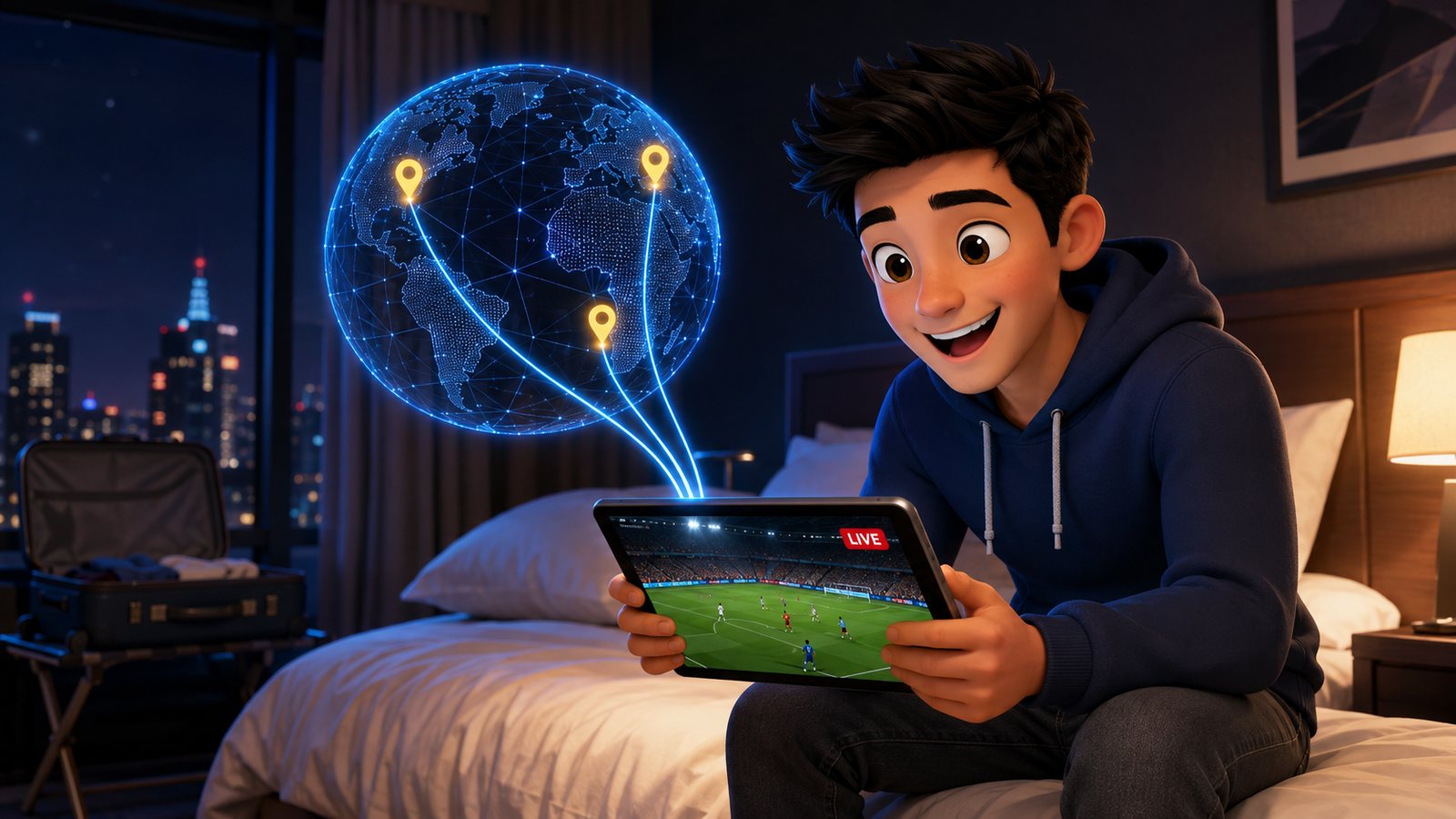
Traditional television is sold by region. Your cable package carries the channels licensed to your area, and if you travel, your subscription stays home. That is why someone living abroad can pay for a full package and still be unable to watch their own country’s league.
IPTV works differently because it travels with the device. The same login that works on the living-room Firestick works on your phone in a hotel in another country, on a laptop in an office, or on a tablet at a relative’s house. Three situations where that changes everything:
- Living abroad. Follow your home league in your own language, with your own commentators, rather than whatever the local broadcaster shows.
- Travelling for work. The match is on the login you already have. Nothing to buy at the airport, nothing to re-subscribe to.
- Two homes, or family. One line, and the device you carry decides where the television is.
There is a smaller benefit hiding inside that, and regular viewers rate it highly: commentary language. Because several countries’ broadcasters carry the same fixture, you can choose the commentary you actually enjoy rather than the one your region assigns you. Arabic commentary for a Champions League night, English for the Premier League, Spanish for a Clásico — same match, different feed, one click apart. Line the alternatives up in your favourites before the game and switching costs you nothing.
One honest note about hotel Wi-Fi: it is frequently the weakest link in this whole article. Shared hotel networks throttle video during the evening peak. If the game matters, tether to your phone instead — a full HD stream costs roughly 2 GB an hour, which most plans absorb for one match.
Which Box Is Best for IPTV Sports?
All devices play sport. Not all of them play sport well when the feed is under load, because live sport is more demanding than anything else you stream — high motion, high bitrate, no room for buffering.
| Device | Sports verdict | Why |
|---|---|---|
| Android TV box + Ethernet | Best | Wired connection, strong decoder, runs TiviMate smoothly |
| Fire TV Stick 4K + Ethernet adapter | Excellent | Cheap, and the adapter removes its one real weakness |
| Fire TV Stick on Wi-Fi | Good | Fine on a strong 5 GHz signal, wobbly on 2.4 GHz |
| Smart TV app | Good | No extra hardware; older TVs can struggle on 4K feeds |
| Phone or tablet | Great for travel | The most reliable option on an unfamiliar network |
| MAG / Formuler box | Very good | Purpose-built, feels like ordinary TV, wired by default |
If you take one thing from this table: an Ethernet cable beats a better box. A $12 adapter on a cheap stick outperforms an expensive box on weak Wi-Fi, every single time.
Two details people miss when they buy the adapter. First, a Firestick needs the powered kind — the adapter carries both power and network into the stick, so the little USB port on your TV is not enough; use the wall plug it comes with. Second, if running a cable across the room is genuinely impossible, a pair of powerline adapters through the mains sockets is the next best thing, and it still beats Wi-Fi on a busy evening. Neither costs more than a month of cable television.
The Match-Day Checklist
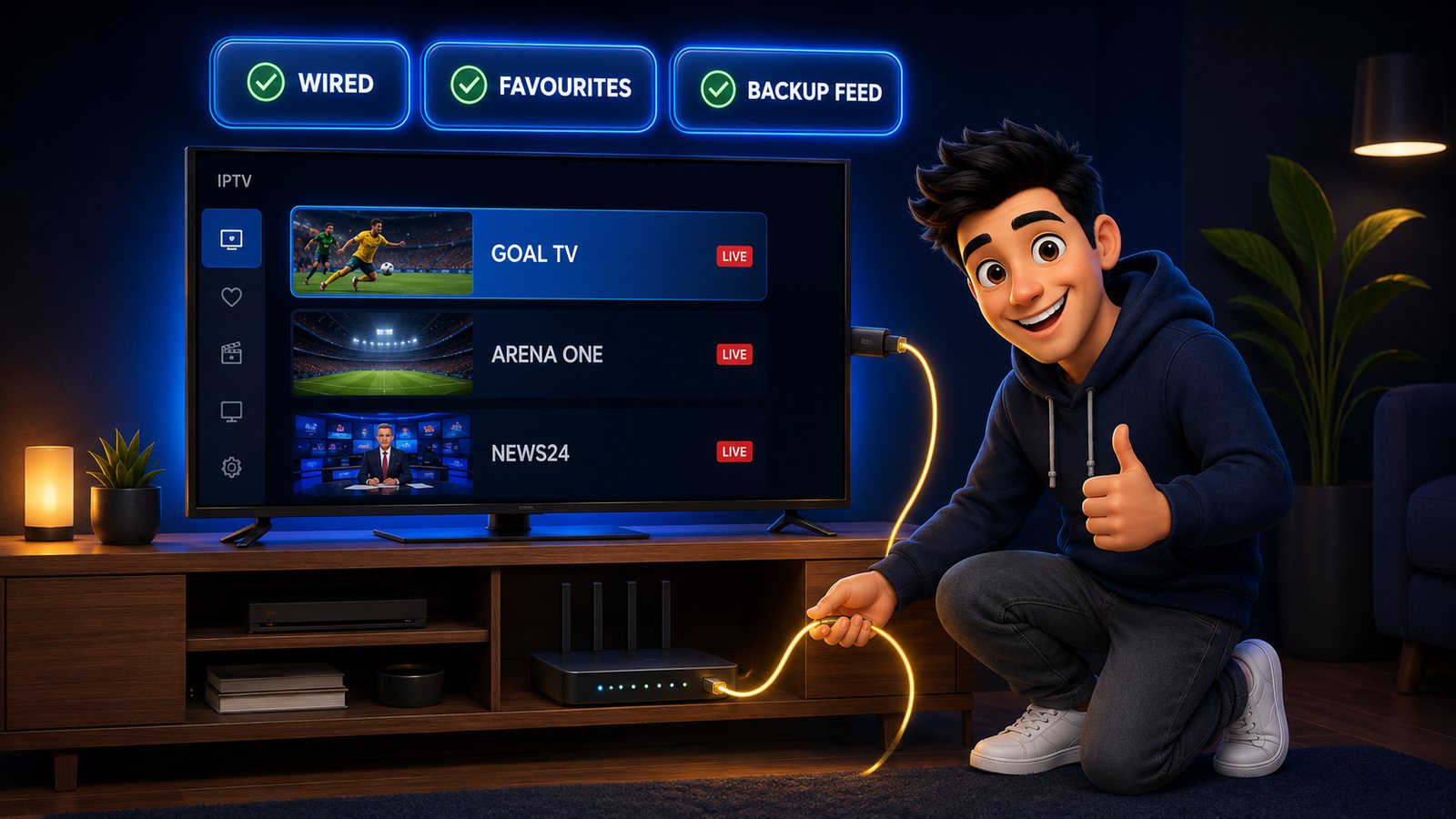
Do this once, twenty minutes before kickoff, and the vast majority of match-day problems never happen.
- Open the app early. Ten minutes ahead, not at kickoff. If something needs fixing, you have time to fix it.
- Find the channel before the game starts. Use the EPG search rather than scrolling thousands of entries while the anthem plays.
- Favourite your sports channels. Build the list during the week, not in the minute.
- Note a backup feed. Identify a second channel showing the same fixture — another country’s broadcaster is ideal — so switching takes one click.
- Prefer wired. Plug in Ethernet if you have it. If not, sit the device on 5 GHz Wi-Fi, close to the router.
- Free up the network. Pause big downloads and cloud backups. A single background sync will ruin a 4K feed.
- Set the buffer to 2–3 seconds. It absorbs small hiccups invisibly.
- Test one live channel. Any channel. If it plays cleanly now, the line is healthy now.
A Word About Stream Delay
Every digital delivery method adds delay. Cable and satellite are typically a few seconds behind live, and internet streams — IPTV and mainstream streaming apps alike — sit somewhere between five and forty seconds behind depending on the feed.
This only becomes annoying in one situation: when your phone tells you about the goal before your television shows it. Two habits fix it entirely. Mute score notifications during a match, and pick the feed with the least delay when several carry the same fixture — worth testing once during a dull first half so you know which one to use in a final.
“Is IPTV Down?” — The Ninety-Second Test
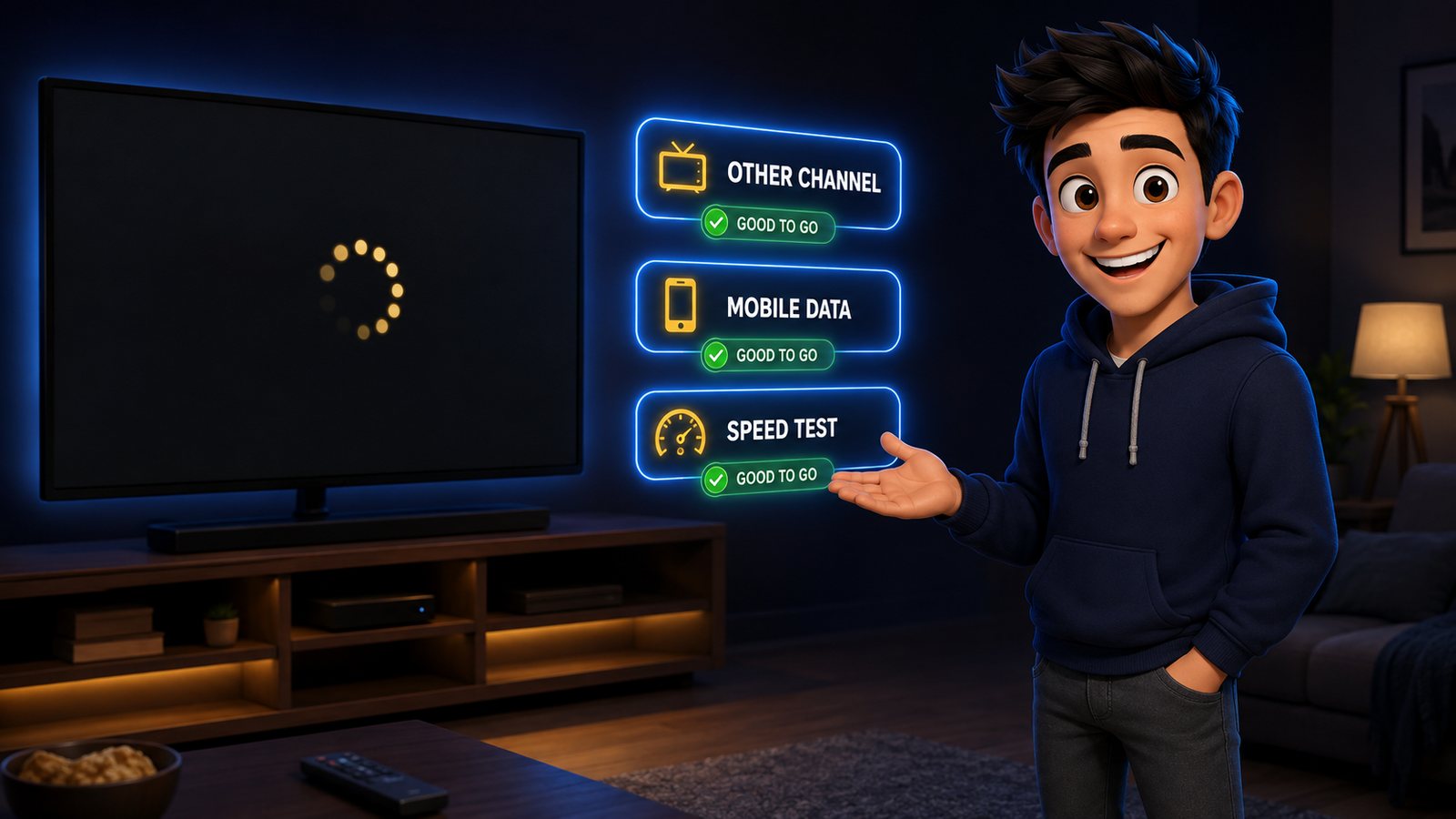
When a stream fails at kickoff the instinct is to assume the service is down. Nine times out of ten it is something closer to home. Work through this in order.
| Check | How | What it tells you |
|---|---|---|
| 1. Another channel | Open any other live channel | If it plays, the issue is that one feed — use your backup |
| 2. Another device | Open the same channel on your phone, on Wi-Fi | If it plays, the TV or its app is the problem |
| 3. Mobile data | Turn Wi-Fi off on the phone and retry | If it plays now, your ISP or router is the problem |
| 4. Speed test | Run one on the streaming device | Under 15 Mbps explains everything by itself |
| 5. Restart the chain | Router first, then the streaming device | Clears most stubborn cases |
| 6. Message support | WhatsApp, with the channel name | If it really is our side, this is a minutes-long fix |
Why is IPTV not working today when it worked yesterday? In practice the causes cluster into four: the plan reached its end date, the ISP is throttling streaming at peak hours, home Wi-Fi has degraded, or one overloaded feed is struggling during a big fixture. Only the last is about the service — and a backup channel solves it in a click.
The VLC Backup Trick
Keep this in your back pocket. When a player app misbehaves and you need to know whether the line itself is alive, VLC answers the question in thirty seconds.
- Open VLC on a laptop or phone.
- Choose Media → Open Network Stream.
- Paste your M3U playlist link and press play.
- Pick any channel from the list that appears.
If VLC plays it, your subscription is fine and the problem is the app or the device — reinstall the player, or re-add the line with Xtream Codes. If VLC also fails, message support, because now you have genuinely useful information for them. VLC is a diagnostic tool, not a viewing experience; use it to answer the question, then go back to your normal player. The setup guide covers both login methods in detail.
Watching Two Matches at Once
Sunday afternoons and tournament group stages create the same problem: two fixtures, one screen. Three approaches, in order of how well they work:
- Two devices. The main match on the TV, the second on a tablet beside you. The Pro and Ultimate plans include two simultaneous connections, so this works out of the box.
- Multi-view in the player. TiviMate Premium and some Android players show several streams in one window. It looks superb and it is demanding: expect to need 40 Mbps and a wired connection.
- Quick switching. Free, simple, and honestly what most people end up doing. Favourite both channels so they sit next to each other and flick between them at the break.
Catch-Up, Recording and the Match You Missed
Time zones are the second reason people abroad subscribe. A 3 p.m. Saturday kickoff in Europe is a 6 a.m. alarm on the American west coast, and not every fixture is worth waking up for. Three ways around it:
- Catch-up / archive. Many channels keep the last few days of programming available in the player, so you can start the match from the beginning hours after it finished. Look for the small clock icon beside a channel in the guide.
- Recording. TiviMate Premium and several Android players record a scheduled programme straight from the EPG. Set it the night before, watch when you wake up.
- Pause and rewind live. Most players buffer the live stream, so you can pause to answer the door and rejoin without losing the passage of play.
One discipline goes with all three, and it is not technical: stay off social media and turn off score alerts until you have watched. Nothing spoils a recorded final faster than a notification banner.
How Much Data Does Live Sport Use?
| Quality | Per hour | A 90-minute match |
|---|---|---|
| SD | ~0.7 GB | ~1.1 GB |
| HD (720p) | ~1.5 GB | ~2.3 GB |
| Full HD (1080p) | ~2.0 GB | ~3.0 GB |
| 4K | ~7.0 GB | ~10.5 GB |
On a hotel network or a mobile hotspot, choosing the HD feed rather than the 4K one is usually the difference between a smooth match and a stuttering one. The picture difference on a 6-inch screen is invisible; the stability difference is not.
Frequently Asked Questions
Can I watch live sports on IPTV from another country?
Yes. IPTV is delivered over the internet rather than by regional cable infrastructure, so the same login works wherever you take the device. People living abroad commonly use it to follow their home league in their own language.
Does StrimoIPTV have sports channels like beIN Sports?
Yes. The line-up includes the major international sports networks — Middle East and North Africa channels, European sports tiers and North American networks — plus event and pay-per-view feeds for boxing and UFC cards.
What internet speed do I need for live sport?
15 Mbps for reliable HD and 25 Mbps for 4K, with more headroom if others in the house are streaming. Live sport is less forgiving than films because of constant fast motion, so wired Ethernet is worth the cable.
Why does my IPTV buffer only during big matches?
Peak-hour load. Millions of people stream the same fixture, and both your ISP and individual feeds are busiest at that moment. Switching to a backup feed for the same match, and wiring the device, resolves most of it.
Is IPTV down, or is it my connection?
Test another channel first, then the same channel on your phone using mobile data. If the phone plays it, the service is up and your home network is the problem. If nothing plays anywhere, message support with the channel name.
Can I watch UFC and boxing pay-per-view events?
Event and PPV feeds are carried on the service. For a specific card, message support before the event so you know exactly which channel to open on the night rather than searching mid-walkout.
How far behind live is an IPTV stream?
Typically five to forty seconds, similar to mainstream streaming apps and slightly behind cable or satellite. Mute score notifications during matches, and where several feeds carry the same game, use the one you have found to be quickest.
Which device is best for watching sport on IPTV?
An Android TV box or a Fire TV Stick 4K, in both cases connected by Ethernet. The wired connection matters more than the hardware — a cheap stick on a cable outperforms an expensive box on weak Wi-Fi.
Next fixture is on. Are you?
Football, NFL, UFC, F1 and PPV events on every screen you own, from $4.92 a month. Order in two minutes and your line is live before kickoff.