Short answer
The best IPTV service for a Firestick is not the one with its own branded app. It is the one that hands you plain Xtream Codes or M3U credentials, so you can run them in a mature player like TiviMate, IPTV Smarters or Sparkle and change player or provider without rebuilding your setup. On the hardware side, buy a Fire TV Stick 4K or 4K Max rather than the Lite, because the extra memory is what stops the stutter people usually blame on their provider. Then wire it with an Ethernet adapter, turn off the home-screen video autoplay, and clear the player cache once a month. StrimoIPTV gives you Xtream Codes and M3U on any player, published prices, and a 7-day money-back guarantee so you can test it on your own stick before you commit.
Amazon has sold hundreds of millions of Fire TV Sticks, and a large share of them end up running IPTV rather than Prime Video. That creates a strange situation: the Firestick is simultaneously the best value streaming box you can buy and the single most common cause of “my IPTV is rubbish” complaints. Both things are true, because a cheap stick running the wrong app over Wi-Fi will make an excellent line look broken. This guide separates the three variables people mix up, the stick, the player and the provider, and shows you how to get all three right in about ten minutes.
Why the Firestick Became the Default IPTV Box
It is cheap, it runs Android underneath, and Amazon lets you install apps from outside its store with a couple of settings changes. That combination is rare. A Samsung or LG smart TV locks you to whatever sits in its own app store, an Apple TV makes sideloading genuinely difficult, and a dedicated MAG box costs three times as much and does one job. A Firestick costs less than two months of most subscriptions, plugs into any HDMI port, and will happily run the same player software you would put on a far more expensive Android box.
The trade-off is headroom. A Firestick has a small amount of memory and a small amount of storage, and live IPTV is unusually demanding of both. It is a continuous stream with no long pre-buffer to lean on, and the player holds a channel list of thousands of entries plus an EPG in memory while it decodes. On a well-specified box that is trivial. On the cheapest stick, with a bloated home screen running behind you, it is the difference between a clean match and a freeze at every corner.
Which Firestick You Actually Need
People buy the cheapest stick, get stuttering, and conclude the IPTV service is oversold. Often the stick was simply out of memory. Here is how the current line-up behaves with a real IPTV player loaded.
| Model | Memory and storage | How it handles IPTV |
|---|---|---|
| Fire TV Stick Lite | 1 GB RAM, 8 GB storage, 1080p | Workable for a small channel list and HD streams. Struggles once the EPG is full and a big playlist is loaded. Avoid it if you watch live sport. |
| Fire TV Stick (HD) | 1 GB RAM, 8 GB storage, 1080p | The same memory ceiling as the Lite with a slightly better remote. Fine as a bedroom second box, not as the main one. |
| Fire TV Stick 4K | 2 GB RAM, 8 GB storage, 4K | The sensible minimum. Handles large playlists, a full EPG and 4K sport without running out of room mid-match. |
| Fire TV Stick 4K Max | 2 GB RAM, 16 GB storage, 4K, Wi-Fi 6 | The best pick. Double the storage for player cache, faster wireless if you genuinely cannot run a cable, and the quickest channel switching of the range. |
| Fire TV Cube | 2 GB RAM, 16 GB storage, built-in Ethernet | Overkill for most people, but the Ethernet port is built in and zapping is instant. Worth it if the TV is far from the router. |
If you already own a Lite and it stutters, do not replace the subscription first. Move it to a wired connection, cut the channel list down to your real favourites, and see whether the problem survives. Half the time it does not.
What a Provider Must Support Before It Is Worth Your Money
“Best IPTV for Firestick” is really a question about compatibility and honesty rather than about channel counts. Five things separate a service you can live with from one you will be arguing with in a month.
- Xtream Codes and M3U credentials, given to you directly. This is the most important item on the list. With a username, password and portal URL you can use any player on any device, today and in two years. A provider that only works through its own APK has locked you into software it controls and can break with one bad update.
- No forced branded app. Branded IPTV apps are usually a reskin of an open player, they update rarely, and when Amazon changes something they are the last to be fixed. If a seller tells you their app is the only way in, treat that as a warning rather than a feature.
- A real EPG that matches the channels. Load the guide during your first week. Correct programme names and times mean somebody maintains the service. A wall of “No Information” means nobody does, and that neglect reaches the streams eventually.
- Enough simultaneous connections for your house. One connection means the stick in the living room locks out the tablet in the kitchen. Check the number before you buy, not after somebody gets kicked out mid-episode.
- Published prices and a refund window. Pricing that exists only in a private chat changes to fit the buyer, and a service with no refund policy puts every risk on you. Our guide to reading Reddit threads goes deeper on separating genuine recommendations from reseller marketing.
The portability test. Before you pay, ask one question: “Do I get Xtream Codes details I can use in TiviMate?” If the answer is yes, you are buying a service. If the answer is “you just use our app”, you are renting a black box, and the day it breaks you have no fallback.
The Player Matters as Much as the Provider
Three apps cover almost everyone, and the choice changes the experience more than people expect.
| Player | Best for | Watch out for |
|---|---|---|
| TiviMate | The nicest guide on Fire TV, strong recording and multi-playlist handling, fast zapping | The best half sits behind a paid premium tier, and it is Android only |
| IPTV Smarters Pro | Free, familiar, takes Xtream Codes in three fields, runs on nearly everything | Heavier on memory, and the interface feels dated next to TiviMate |
| Sparkle TV or XCIPTV | Light and quick, a good rescue option on a 1 GB Lite | Fewer features, and more basic EPG handling |
Whichever you pick, it should ask you for a portal URL, a username and a password, or for an M3U link. If it asks for an activation code you have to buy separately from a third-party site, close it.
Installing IPTV on a Firestick, Step by Step
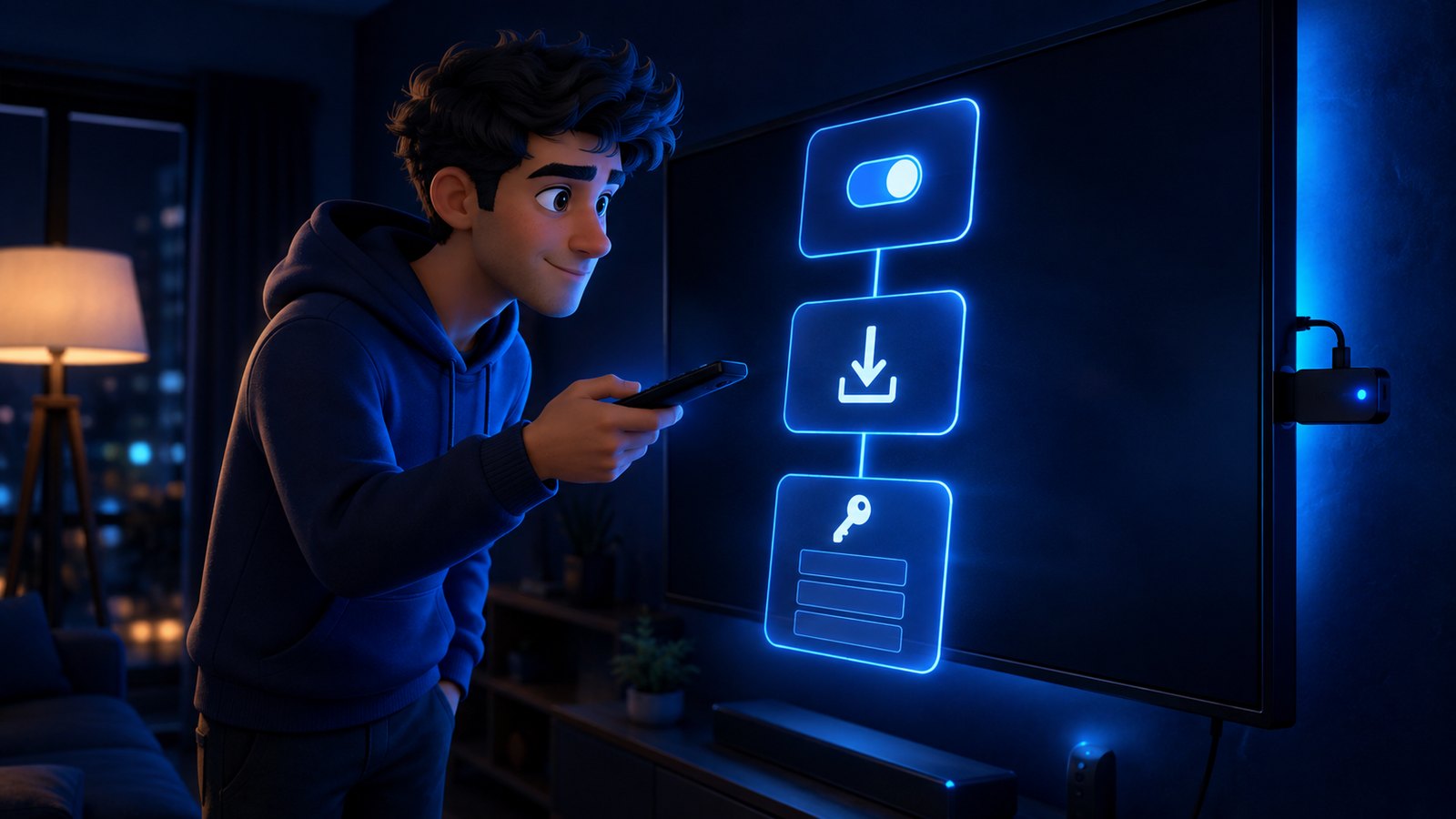
- Turn on app installs from unknown sources. Go to Settings, then My Fire TV, then Developer Options. On newer sticks you may first need Settings, My Fire TV, About, then click the Fire TV Stick line seven times to reveal Developer Options. Enable “Install unknown apps”.
- Install Downloader. Search the Amazon Appstore for Downloader, the orange icon, and install it. It is a legitimate Amazon-listed app whose only job is fetching installer files.
- Give Downloader permission. Back in Developer Options, under “Install unknown apps”, switch Downloader on. Miss this and the install will quietly refuse later.
- Fetch your player. Open Downloader and enter the official address for the player you chose. Let it download, choose Install when prompted, then delete the installer file to save space on an 8 GB stick.
- Enter your credentials. Open the player and pick the Xtream Codes login. Type the portal URL, username and password exactly as your provider sent them, watching for capital letters and a trailing slash. If you were given only an M3U link, use the playlist option instead.
- Let the channel list and EPG load fully. The first sync can take several minutes with a large list. Do not judge anything until it has finished, because a half-loaded guide looks exactly like a broken service.
- Trim the list to your favourites. Hide the groups you will never watch. On a Firestick that is a performance change rather than tidiness, because a shorter list means less to hold in memory and faster zapping.
- Test at peak, on the channel you care about. Watch one match or one full programme end to end in the evening instead of surfing. Our full setup guide covers the same process on Smart TVs, phones and MAG boxes.
Firestick Settings That Stop the Stutter
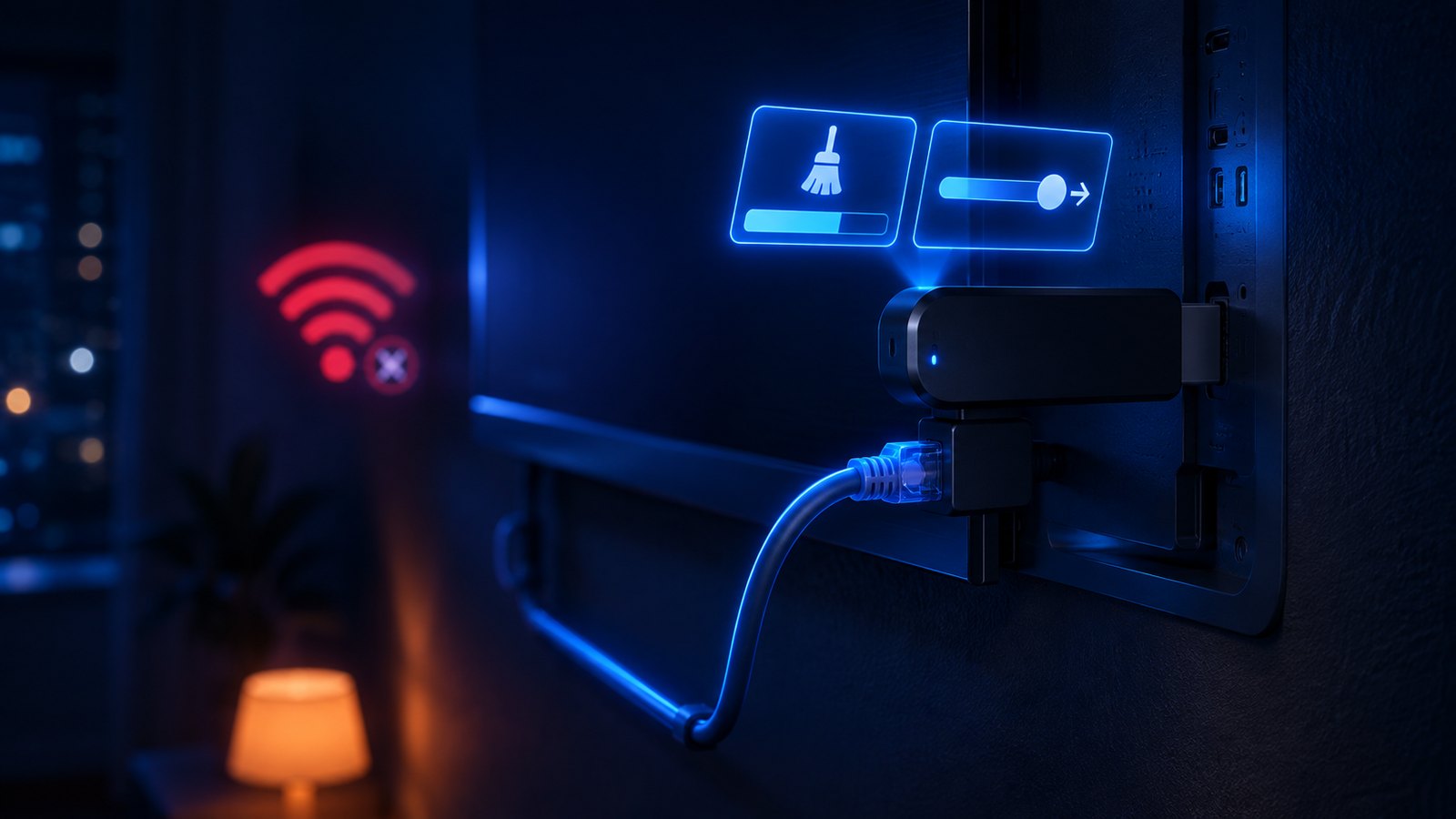
A stick that has been running for a year with a full home screen behaves very differently from a fresh one. These are the changes that make the biggest difference, roughly in order.
- Use an Ethernet adapter. Amazon’s own adapter costs about the same as a month of service and removes the single biggest variable. Wi-Fi on a stick tucked behind a metal television, in a flat surrounded by other networks, is where most “buffering” is born. Our nine-step buffering fix explains why one cable settles the argument.
- Turn off the home-screen video autoplay. Settings, Preferences, Featured Content, then disable both video and audio autoplay. That trailer running behind the menu is using memory and bandwidth you want for the match.
- Clear the player cache monthly. Settings, Applications, Manage Installed Applications, pick your player, then Clear Cache. Never Clear Data unless you want to type your credentials in again.
- Uninstall what you do not use. On 8 GB, a handful of unused apps is the difference between smooth and swapping. Free storage below roughly a gigabyte causes visible stutter.
- Raise the buffer inside the player. Most players expose a buffer or decoder setting. A slightly larger buffer costs you a second of channel-change speed and absorbs the small network hiccups that cause freezes.
- Try both decoders. If one specific channel tears or goes green, switch that player between hardware and software decoding. It is a codec quirk on that stream rather than a fault in the line.
- Reboot weekly. Unplug it for thirty seconds. A Firestick left on for months accumulates background processes, and the symptom is precisely what people report as “the service got worse”.
Before you blame the provider, change one thing at a time. Wired instead of wireless, a different player, a trimmed channel list. If the same channel fails at the same time on two different players on a wired stick, the fault is upstream and worth raising with support. If it only fails over Wi-Fi at 8 p.m. while someone is gaming in the next room, the stream was never the problem.
Common Firestick IPTV Problems and What Causes Them
| What you see | Most likely cause | Fix |
|---|---|---|
| Everything buffers at peak, nothing during the day | Wi-Fi congestion, or an oversold server | Wire it first. If wired peak viewing still breaks, it is the provider |
| The app crashes back to the home screen | Out of memory on a 1 GB stick | Trim the playlist, clear the cache, or move to a 4K stick |
| “Invalid credentials” on a line you know is active | A typo, a trailing slash, or the wrong port in the portal URL | Re-enter it carefully, copying the URL exactly as it was sent |
| The guide is blank or badly aligned | EPG not synced, or the wrong time zone on the stick | Force an EPG refresh, then check the Fire TV time zone setting |
| Green or torn picture on one channel only | Codec handling on that stream | Switch that channel between hardware and software decoding |
| Audio drifts out of sync over a long match | Player audio passthrough | Disable passthrough or Dolby in the player’s audio settings |
| Streams stop when someone else starts watching | The connection limit on your plan | Move to a plan with more simultaneous connections |
The Verdict
Buy a Fire TV Stick 4K or 4K Max, add the Ethernet adapter, run TiviMate or IPTV Smarters, and choose a provider that gives you Xtream Codes credentials instead of a locked-down app. That combination costs less than a single month of cable and outperforms boxes at four times the price.
The thing to resist is judging a service on its first ten minutes over Wi-Fi with a factory-fresh channel list. Set it up properly, watch one full evening of the channels you actually pay for, and only then decide. StrimoIPTV supports Xtream Codes and M3U on any Firestick player, publishes its plans and prices rather than quoting them in DMs, and backs the subscription with a 7-day money-back guarantee, so the first weekend is at our risk rather than yours.
Frequently Asked Questions
What is the best IPTV service for a Firestick?
The one that gives you Xtream Codes or M3U credentials to use in a player of your choice, carries the specific channels you watch, allows enough simultaneous connections for your household, and publishes its prices and refund terms. Channel count is the least useful number in the advert. Compatibility and a refund window are what you are actually buying.
Which Firestick model should I buy for IPTV?
The Fire TV Stick 4K as a minimum, and the 4K Max if you can stretch to it. Both have 2 GB of memory, and the Max doubles storage to 16 GB, which matters because player cache and channel lists fill an 8 GB stick quickly. The Lite works for light HD viewing but runs out of room once a full playlist and EPG are loaded.
How do I install an IPTV app on a Firestick?
Enable Developer Options and app installs from unknown sources, install Downloader from the Amazon Appstore, allow Downloader to install apps, then use it to fetch your player’s installer. Open the player, choose the Xtream Codes login, and enter the portal URL, username and password from your provider. The whole job takes about ten minutes.
Why does IPTV buffer on my Firestick but not on my phone?
Usually Wi-Fi and memory. The phone is probably closer to the router with a clear signal, while the stick sits behind a metal TV panel. The phone also has far more memory than a 1 GB stick holding thousands of channels and an EPG. Wire the stick with an Ethernet adapter, trim the channel list, and the difference normally disappears.
Do I need a VPN for IPTV on a Firestick?
Not for a legitimate, properly licensed service, and a VPN adds a hop that can slow live streams when the server is far away or busy. Some people use one for general privacy. If you do, pick a nearby server and test with it both on and off, because a VPN is a common hidden cause of stuttering that gets blamed on the provider.
Is TiviMate or IPTV Smarters better on Fire TV?
TiviMate has the better guide, faster channel switching and stronger recording, but the useful features sit behind a premium tier. IPTV Smarters Pro is free and accepts the same Xtream Codes details. On a 1 GB Lite, a lighter player such as Sparkle often behaves best. Because the credentials are portable, you can try all three in one evening.
Will my Firestick get slower over time with IPTV?
It gets slower with clutter rather than age. Unused apps, a full player cache, home-screen video autoplay and months of uptime all eat the memory the stream needs. Clear the cache monthly, uninstall what you never open, keep at least a gigabyte of storage free, and reboot weekly. That routine restores most sticks people were about to replace.
Can I use one IPTV subscription on the Firestick and other devices?
Yes, as long as the plan allows enough simultaneous connections. The same Xtream Codes details work in a player on a phone, a tablet, a Smart TV or a second stick. What limits you is how many streams can run at once, so check that number against how many people watch at the same time in your house.
Put it on your Firestick tonight
Xtream Codes and M3U credentials for any player, no forced app, published prices, and a 7-day money-back guarantee so you can test the line on your own stick through a full match weekend.