Short answer
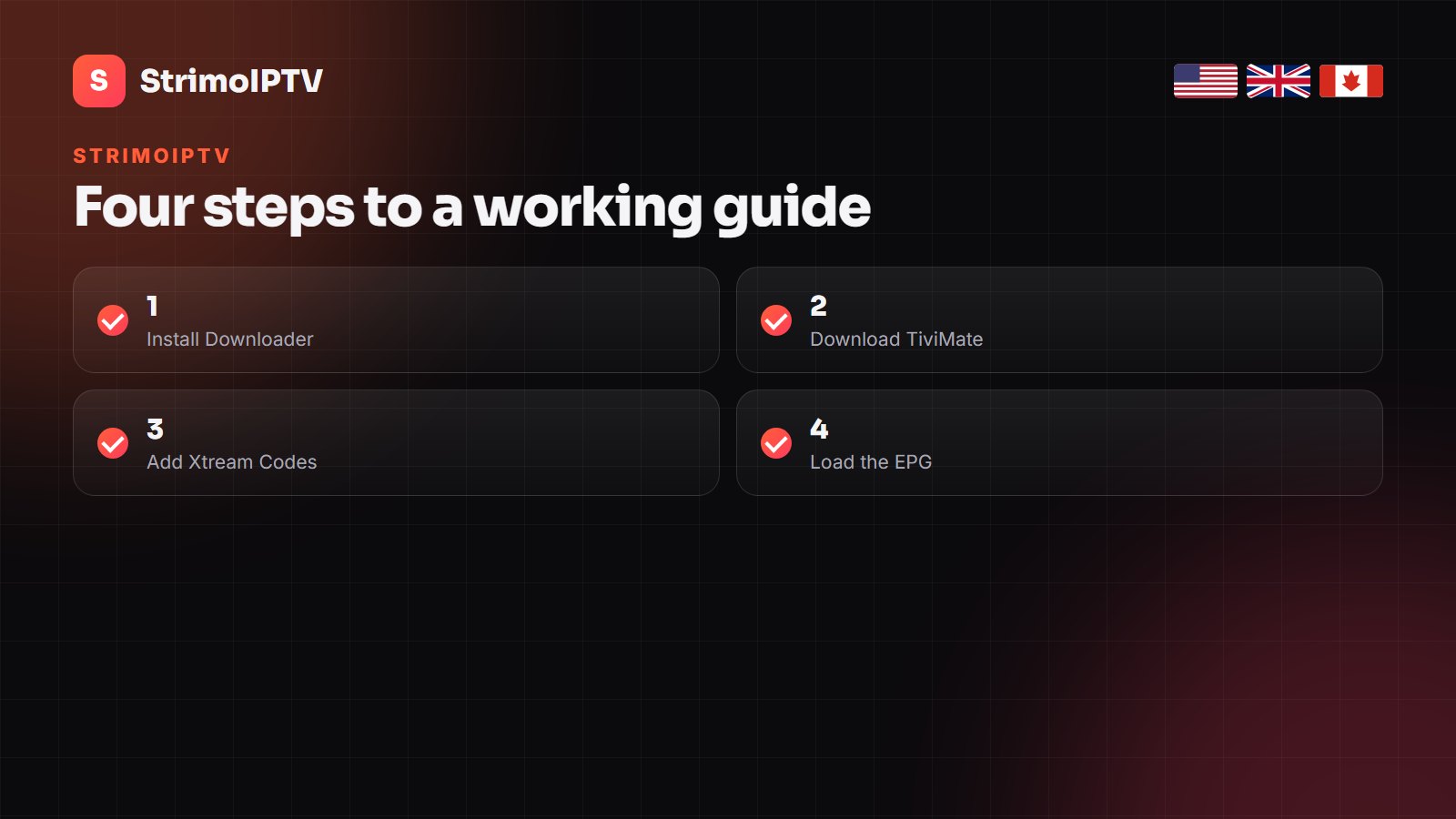
Install TiviMate with the Downloader app, choose Add playlist → Xtream Codes, enter the server, username and password from your StrimoIPTV message, and let the guide load. The whole setup takes about ten minutes.
TiviMate is the player most StrimoIPTV customers end up using on a TV. Here is the setup, done properly the first time.
TiviMate turns an IPTV line into something that feels like a proper cable box: a grid guide, favourites, catch-up and quick channel switching. It is our first recommendation for StrimoIPTV on Amazon Firestick, Fire TV and Android TV.
Below is the full setup, followed by the settings worth changing and the fixes for the problems that come up most often.
Before you start
- Your StrimoIPTV details: server URL, username and password (sent on WhatsApp after ordering).
- A Firestick, Fire TV or Android TV device connected to the internet.
- Ten minutes and the remote.
Do not have a line yet? Plans start at $15 for one month and $50 for six months on the pricing page, and you can test first through the free trial.
Step 1 — Install TiviMate
- On the Firestick home screen open Find → Search and install Downloader.
- Go to Settings → My Fire TV → Developer options and allow Downloader to install unknown apps.
- Open Downloader and enter the TiviMate download address from the official TiviMate site.
- Install, then open TiviMate.
On Android TV and Google TV boxes it is simpler: TiviMate is in the Google Play Store.
Step 2 — Add your StrimoIPTV line
- In TiviMate press Add playlist.
- Choose Xtream Codes (not M3U).
- Type the server URL exactly as sent, including
http://and the port. - Enter your username and password, then Next.
- TiviMate shows the number of channels, movies and series it found. Press Next and Done.
Why Xtream Codes? it loads channels, VOD and the TV guide in one go, and keeps them updated without you pasting any extra links.
Step 3 — Get the TV guide working
With an Xtream Codes login the EPG source is added automatically. If the guide is empty after a few minutes:
- Open Settings → EPG and check that a source is listed.
- Press Update EPG and wait for it to finish.
- If times are off by an hour or more, set EPG time shift to match your time zone.
Settings worth changing
| Setting | Where | What to choose |
|---|---|---|
| Channel groups | Settings → Playlists → Manage groups | Hide countries you never watch |
| Favourites | Long-press OK on a channel | Build a short list for daily use |
| Buffer size | Settings → Playback | Medium or Large on Wi-Fi |
| Auto-start | Settings → General | Open TiviMate when the box starts |
| Catch-up | Long-press on a past programme | Works on channels marked with a clock |
Hiding unused groups is the single biggest improvement: the guide loads faster and scrolling becomes instant.
Common problems and fixes
“Authorization failed”
A typo or a trailing space in the username or password. Retype them, and check the server URL includes the port.
Channels buffer at night
Set the buffer to Large, switch to the FHD version of the channel and, if possible, use a cable or 5 GHz Wi-Fi. Our buffering guide covers the rest.
“Max connections reached”
Another device is still streaming on the same line. Close the app there, or choose a plan with more screens.
Other IPTV services and guides
These sites keep their own setup guides and price pages, useful for a second opinion on a player or a plan.
- NorvikTV — Nordic IPTV for Sweden, Norway, Finland and Denmark
- BugsTV — French-language IPTV for France, Belgium and Switzerland
- Televixy — player tutorials, Plex and TiviMate setup for UK, US and Canada
- GreatestIPTV — USA, UK and Canada channel breakdowns and buying guides
- Zoryflix — recording, catch-up and sports-package guides
Frequently Asked Questions
Does StrimoIPTV work with TiviMate?
Yes. Add it in TiviMate with the Xtream Codes option using the server, username and password from your StrimoIPTV message.
Do I need TiviMate Premium?
No. The free version plays your channels. Premium adds features such as multiple playlists, recording and catch-up controls, and is paid to the TiviMate developer.
Why is the TiviMate guide empty?
Update the EPG under Settings → EPG. With an Xtream Codes login the guide source is added automatically; it can take a few minutes the first time.
Can I use TiviMate on a Samsung or LG TV?
No. TiviMate runs on Android only. On Samsung and LG use a store app such as IBO Player.
How much does StrimoIPTV cost?
Plans start at $15 for one month, $35 for three months and $50 for six months, with longer plans available.
Can I install StrimoIPTV on more than one device?
Yes. How many can watch at the same time depends on your plan.
Ready to set it up?
Pick a plan, get your line on WhatsApp in minutes, and follow the steps above.