Short answer
StrimoIPTV does not use its own app. You watch it in a trusted IPTV player of your choice, with login details that belong to you. The best choices are TiviMate or IPTV Smarters Pro on a Firestick or Android TV, IBO Player or Smart IPTV on a Samsung or LG TV, IPTV Smarters or GSE Smart IPTV on Apple devices, the built-in portal on a MAG box, MYTVOnline on a Formuler, and VLC on a computer. To activate, enter the server URL, username and password we send you on WhatsApp, or send us your TV’s MAC address. It takes about five minutes.
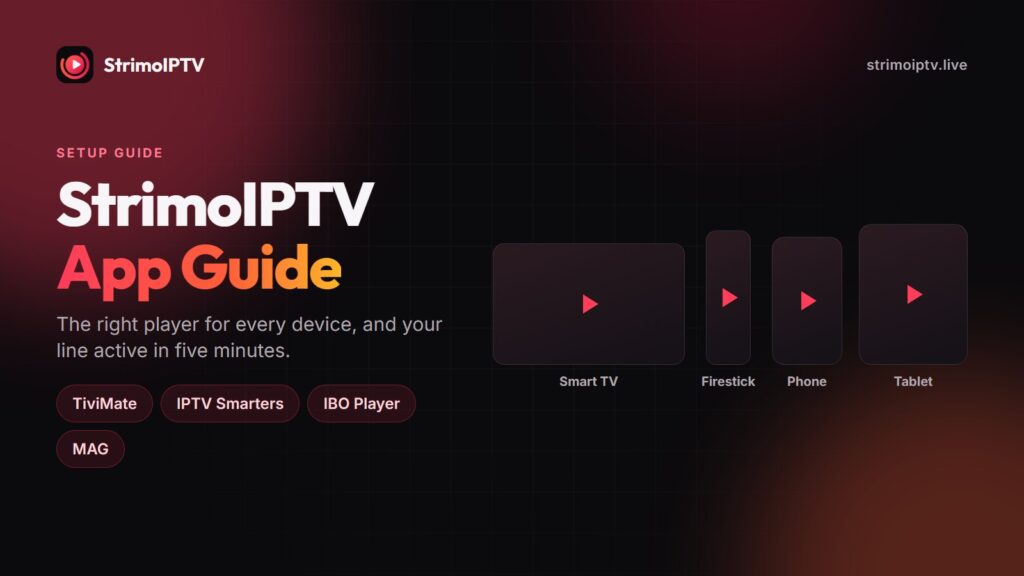
People search for a “StrimoIPTV app” expecting to find something to download. There isn’t one, and if you ever see a file offered under that name, do not install it. A private app locks you into one piece of software you cannot check, update or replace. StrimoIPTV gives you standard credentials instead, which work in the players millions of people already use. This guide matches the right player to each device and shows exactly what to type where.
Why There Is No StrimoIPTV App
An IPTV subscription is really three pieces of information: a server address, a username and a password. Any well-made player can turn those into a channel list, a programme guide and an on-demand library. Tying them to a single private app adds nothing for you, and takes away three useful things:
- Choice. You can pick the player whose layout you like, and change your mind later without changing provider.
- Diagnosis. When a channel stutters, opening it in a second player tells you in thirty seconds whether the app or the line is at fault.
- Safety. Players from the Play Store, App Store, Amazon Appstore or LG and Samsung stores come from identifiable developers and receive signed updates. A file passed around in a chat does not.
The Best Player for Each Device
| Device | Best player | Login type | Full guide |
|---|---|---|---|
| Firestick & Fire TV Cube | TiviMate or IPTV Smarters Pro (via Downloader) | Xtream Codes | Firestick |
| Android TV, Google TV, NVIDIA Shield, Chromecast | TiviMate | Xtream Codes | Android TV |
| Android phone or tablet | IPTV Smarters Pro or XCIPTV | Xtream Codes | Android |
| Samsung, LG, Hisense smart TV | IBO Player or Smart IPTV | MAC address + M3U | Smart TV |
| Apple TV, iPhone, iPad, Mac | IPTV Smarters, GSE Smart IPTV or iPlayTV | Xtream Codes | Apple |
| MAG box | Built-in portal | MAC address + portal URL | MAG |
| Formuler | MYTVOnline | Portal or Xtream Codes | Formuler |
| Windows or Mac computer | VLC or IPTV Smarters | M3U or Xtream Codes | Ask us on WhatsApp |
How to Activate StrimoIPTV With Xtream Codes
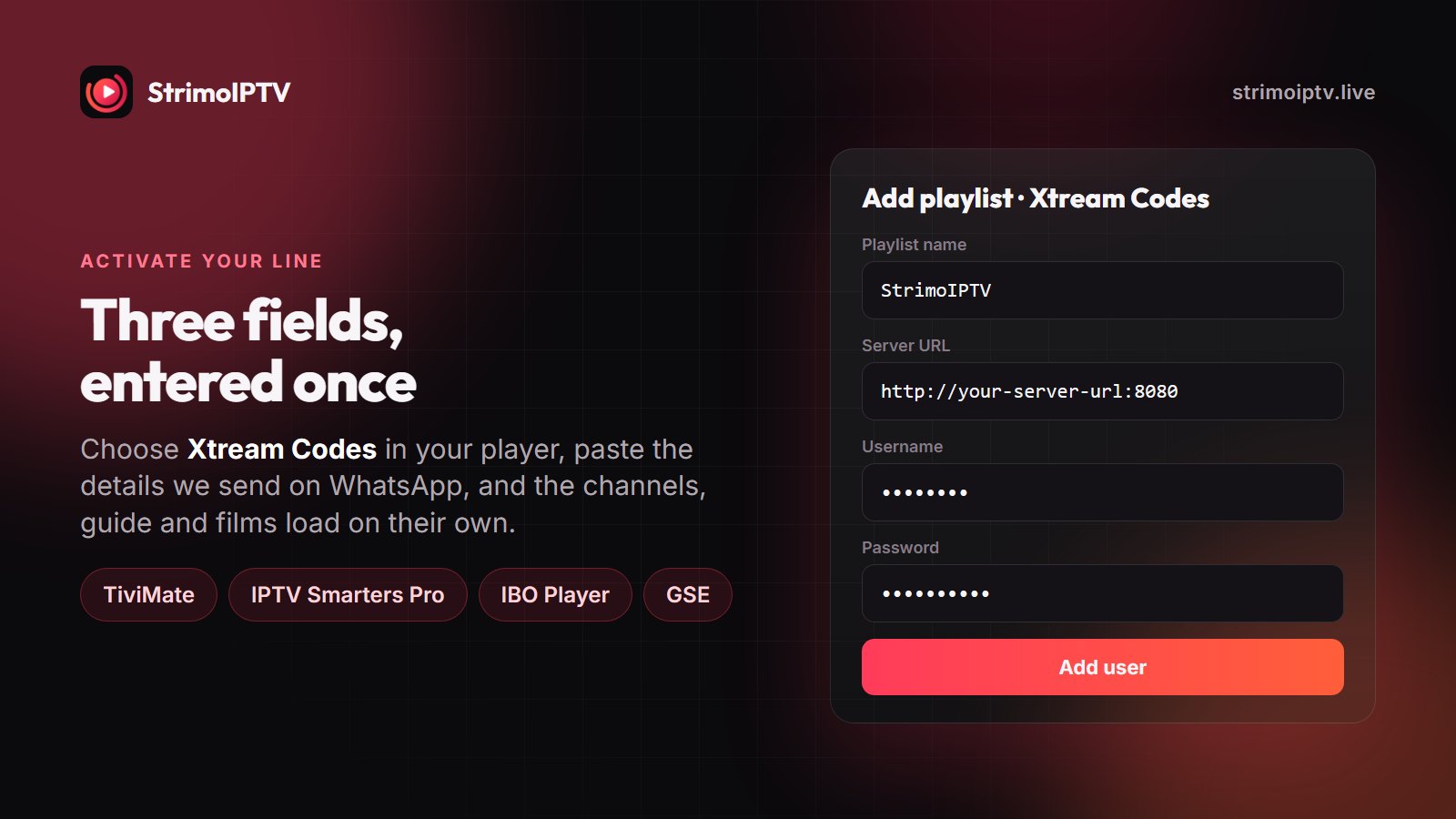
This is the method for TiviMate, IPTV Smarters Pro, XCIPTV, GSE Smart IPTV and most other players. It gives you the best result, because it loads categories, the full 7-day guide and the on-demand library, not just a flat list of channels.
- Install the player from your device’s app store. On a Firestick, install Downloader first and follow the Firestick guide.
- Open the player and choose Add playlist or Add user, then Xtream Codes (sometimes labelled “Xtream Codes API” or “Login with Xtream”).
- Enter the server URL, username and password exactly as we sent them on WhatsApp. Copy them rather than retyping where you can.
- Give the playlist a name, such as StrimoIPTV, and confirm. Channels, guide and films load in a minute or two.
- Add your most-watched channels to favourites and hide the regions you never use.
Most “login failed” errors are typing errors. A space after the password, a missing http://, or a confused l and 1 produce exactly the same error as an expired line. Check those before anything else, then message us.
How to Activate StrimoIPTV on a Smart TV or MAG Box
Smart TV players such as IBO Player and Smart IPTV, and MAG boxes, are activated by the device’s MAC address rather than by a login you type on the TV.
- Install IBO Player or Smart IPTV from the Samsung or LG app store, or switch on your MAG box.
- Open the app. It shows a MAC address (and on some players a device key). On a MAG box, the MAC is printed on a label underneath.
- Send that MAC address to us on WhatsApp with your order or your free trial request.
- We load your StrimoIPTV line onto that device. On a MAG box, enter the portal URL we send you under Settings, then Servers, then Portals.
- Restart the app or the box. Your channels appear.
Settings That Make Any Player Work Better
- Use a cable or 5 GHz Wi-Fi. 2.4 GHz Wi-Fi is the most common cause of buffering on every device.
- Raise the buffer. In TiviMate and IPTV Smarters, a larger buffer smooths over short dips in your connection.
- Toggle hardware decoding. If one channel stutters and the rest are fine, switch between hardware and software decoding for that player.
- Turn off the VPN if you do not need it. A slow VPN server caps your speed below what 4K needs.
If a problem persists, the buffering guide walks through the rest, and support can move your line to another server node at no cost. For what to expect from the service as a whole, read the StrimoIPTV review.
Frequently Asked Questions
Is there an official StrimoIPTV app or APK?
No. StrimoIPTV works in standard IPTV players such as TiviMate, IPTV Smarters Pro, IBO Player and GSE Smart IPTV. Do not install any file offered as a “StrimoIPTV APK”; install a known player from your device’s app store instead.
What is the best app for StrimoIPTV on Firestick?
TiviMate for the best programme guide and layout, or IPTV Smarters Pro if you want a free, simple player. Both are installed through Downloader and use your Xtream Codes login.
How do I log in to StrimoIPTV?
Open your player, choose Xtream Codes, and enter the server URL, username and password we sent you on WhatsApp. On smart TVs and MAG boxes, send us the device’s MAC address instead and we activate it for you.
Can I use StrimoIPTV on more than one device?
Yes. Install it on as many devices as you like. Your plan sets how many play at the same time: one screen on the 1- and 3-month plans, two on every plan from 6 months up.
Why does my StrimoIPTV login say expired or invalid?
Usually a typing error: a trailing space, a missing http://, or a wrong character in the server URL. Copy and paste the details from WhatsApp. If it still fails, message us and we check the line straight away.
Do I need to pay for TiviMate to use StrimoIPTV?
No. IPTV Smarters Pro, IBO Player’s trial period, GSE Smart IPTV and VLC all work with StrimoIPTV. TiviMate Premium is optional and adds features such as multiple playlists and catch-up controls.
Any player, any device, five minutes
StrimoIPTV credentials work in the players you already trust. Tell us your device and we send the right login with the steps.