Short answer
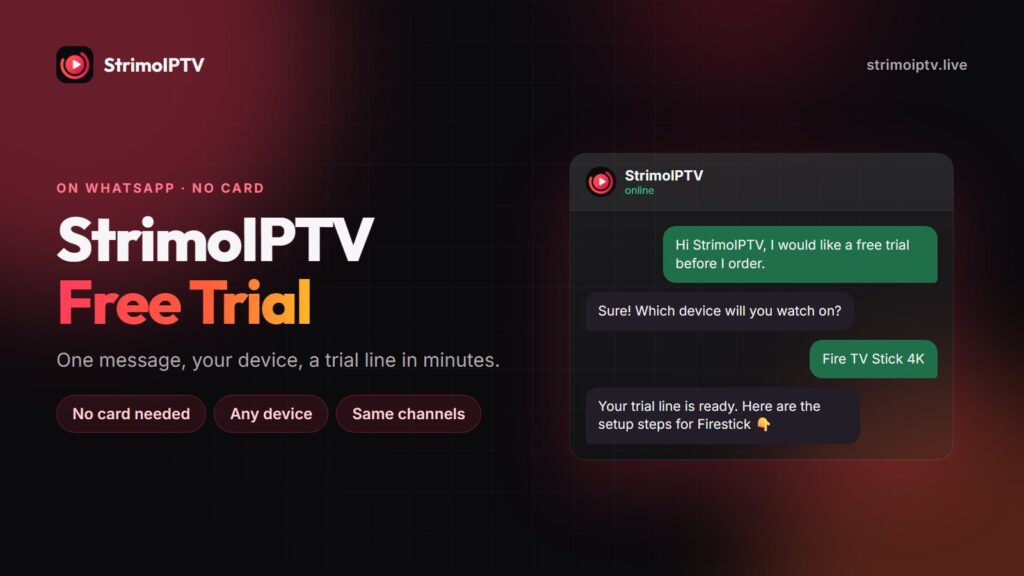
Yes, StrimoIPTV offers a free trial, and you get it on WhatsApp. Send a message to +1 (505) 528-2537, say which device you will watch on, and we send a short trial line with the setup steps for that device. No card and no payment details are needed. Use it to check that your own channels are there and play smoothly on your own screen. If you then order, every paid plan carries a 7-day money-back guarantee, so the first week of the real line is covered too.
A free trial answers one question well: are the channels you care about there, and do they play on your device? It cannot tell you how a service holds up over a month of busy weekends, which is why StrimoIPTV pairs the trial with a refund window on every paid plan. This guide shows how to get the trial, how to set it up in a few minutes, and how to use it properly instead of scrolling through channels at random.
How to Get the StrimoIPTV Free Trial
- Open WhatsApp. Use the free trial link, or message +1 (505) 528-2537 directly. The “Get a free trial” buttons on the pricing page open the same chat.
- Tell us your device. Firestick, Android TV box, Samsung or LG TV, Apple TV, iPhone, MAG box, Formuler or a computer. The device decides which login we send: Xtream Codes, an M3U link or a MAG portal.
- Mention the channels you need. If you only watch two leagues and one news channel, say so. We can tell you straight away whether they are on the line.
- Receive your trial line. The credentials arrive in the chat with the steps for your device. Setup usually takes five to ten minutes.
No card, no payment details. A StrimoIPTV trial never asks for a card. If any seller wants payment details for a “free” trial, that is about storing your card, not about the trial.
Setting Up the Trial on Your Device
The trial line works exactly like a paid one, so the setup you do now is the setup you keep. If you order afterwards, you usually only swap the username and password.
| Device | Recommended player | Guide |
|---|---|---|
| Amazon Firestick & Fire TV | IPTV Smarters Pro or TiviMate | Firestick setup |
| Android TV, Google TV & boxes | TiviMate or IPTV Smarters Pro | Android TV setup |
| Samsung, LG & Hisense smart TV | IBO Player or Smart IPTV | Smart TV setup |
| Apple TV, iPhone & iPad | IPTV Smarters, GSE Smart IPTV or iPlayTV | Apple setup |
| MAG box | Built-in portal | MAG setup |
| Formuler | MYTVOnline | Formuler setup |
Smart TV players such as IBO Player and Smart IPTV are activated by the TV’s MAC address, so send us the MAC shown in the app and we load the trial onto it. For more detail on choosing a player, see the StrimoIPTV app guide.
What to Test During the Trial
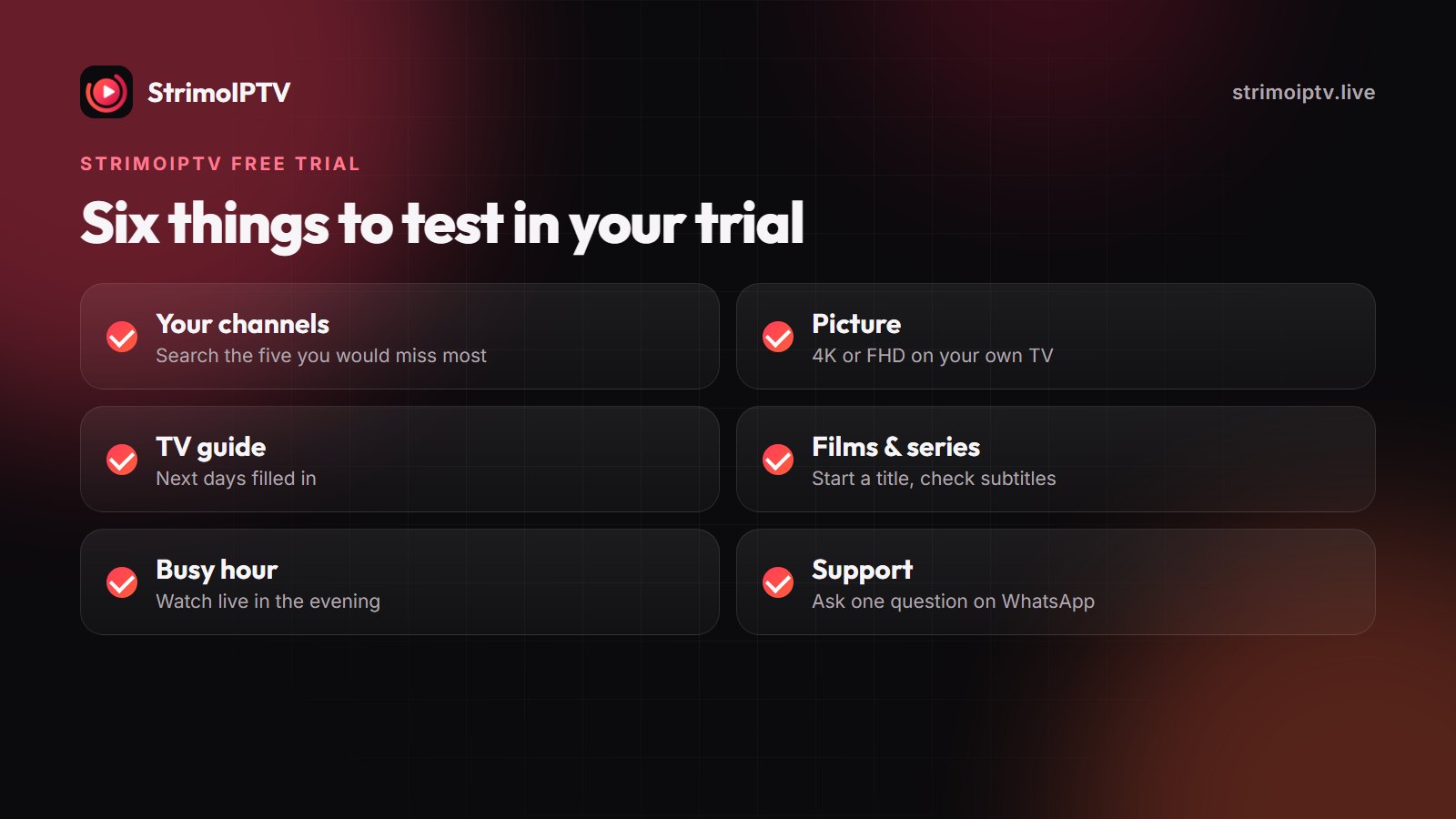
A trial is short, so use it on purpose. Check these six things in this order.
- Your own channels. Open the five channels you would miss most. Search for them by name rather than browsing, because a list of 70,000 channels is not something you scroll.
- Picture on your screen. Watch a 4K or FHD channel on the TV you actually use. Check that sport looks smooth during fast movement, not just a talk show.
- The programme guide. Open the EPG and check the next few days are filled in for your channels. A guide is what makes IPTV feel like television rather than a playlist.
- Films and series. Search for two or three titles you want to watch and start one. Check the subtitles and audio track you need.
- A busy hour. If you can, watch something live in the evening, when everyone else is watching too. That is when weak services show it.
- Support. Ask one question on WhatsApp, even a simple one. How fast and how clearly you get an answer tells you what the next year of support will be like.
If something stutters, test before you judge. Try the same channel in a second player, move closer to the router or plug in a cable, and tell us what happened. A busy server node, a buffer set too low or 2.4 GHz Wi-Fi cause most problems, and all three are quick to fix. The buffering guide covers the rest.
After the Trial: Ordering and the 7-Day Guarantee
When the trial ends, nothing is charged and nothing renews, because nothing was ever taken. If you want to continue, choose a plan on the pricing page. The button opens WhatsApp with the plan already written in, and your paid line is live 5 to 15 minutes after payment.
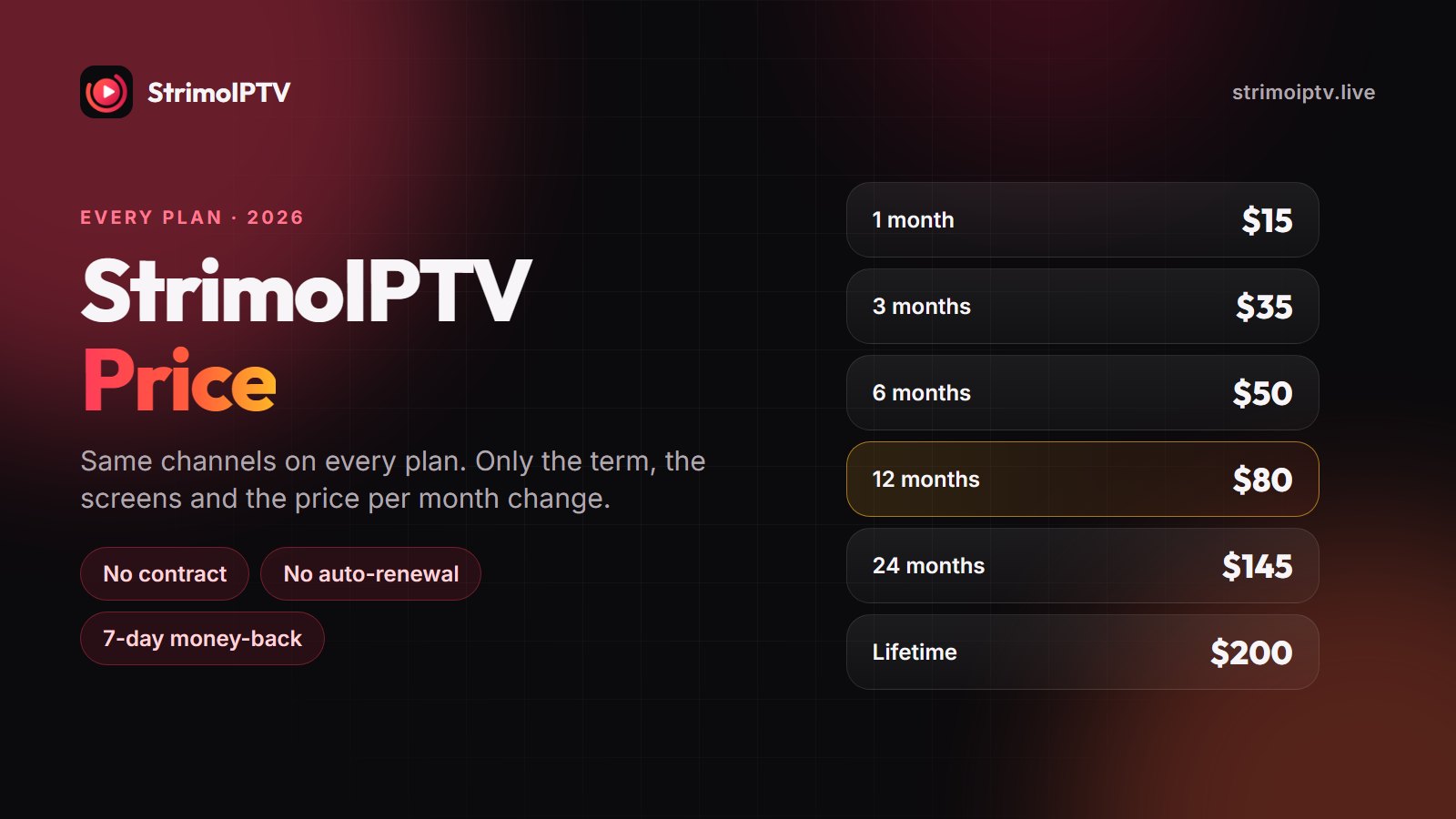
Because a trial is short, every paid plan also has a 7-day money-back guarantee that starts when the line is activated. That covers what a trial cannot: a full weekend of live sport on the real line, at real peak hours. The rules are on the refund policy page. If you are new to IPTV, start with the 1-month plan at $15 and upgrade once it has earned it. The StrimoIPTV price guide explains which plan suits which household.
Frequently Asked Questions
Does StrimoIPTV have a free trial?
Yes. Message us on WhatsApp at +1 (505) 528-2537 and we set up a short trial line for your device, with no card and no payment details needed.
Is the StrimoIPTV trial the same as the paid service?
It uses the same channel line-up, the same library and the same login types as a paid line, so you can check your channels, your player and your picture exactly as they will be after you order.
Do I need to give a credit card for the StrimoIPTV free trial?
No. The trial needs only a WhatsApp message and the device you want to watch on. Nothing is charged and nothing renews when it ends.
Can I get the StrimoIPTV trial on a smart TV?
Yes. On Samsung, LG and Hisense TVs the trial is loaded onto a player such as IBO Player or Smart IPTV using the TV’s MAC address. Send us the MAC shown in the app and we activate it.
What happens when the StrimoIPTV trial ends?
The trial line simply stops. To continue, pick a plan on the pricing page and order on WhatsApp; your paid line is active within 5 to 15 minutes and is covered by the 7-day money-back guarantee.
How can I test StrimoIPTV for longer than the trial?
Buy the 1-month plan for $15. It comes with the 7-day money-back guarantee, so you get a full week on the real line, including a weekend of live sport at peak hours, with your money still refundable if it does not hold up.
Try StrimoIPTV free on your own screen
One WhatsApp message, no card, a trial line in minutes, and a 7-day money-back guarantee on every paid plan afterwards.